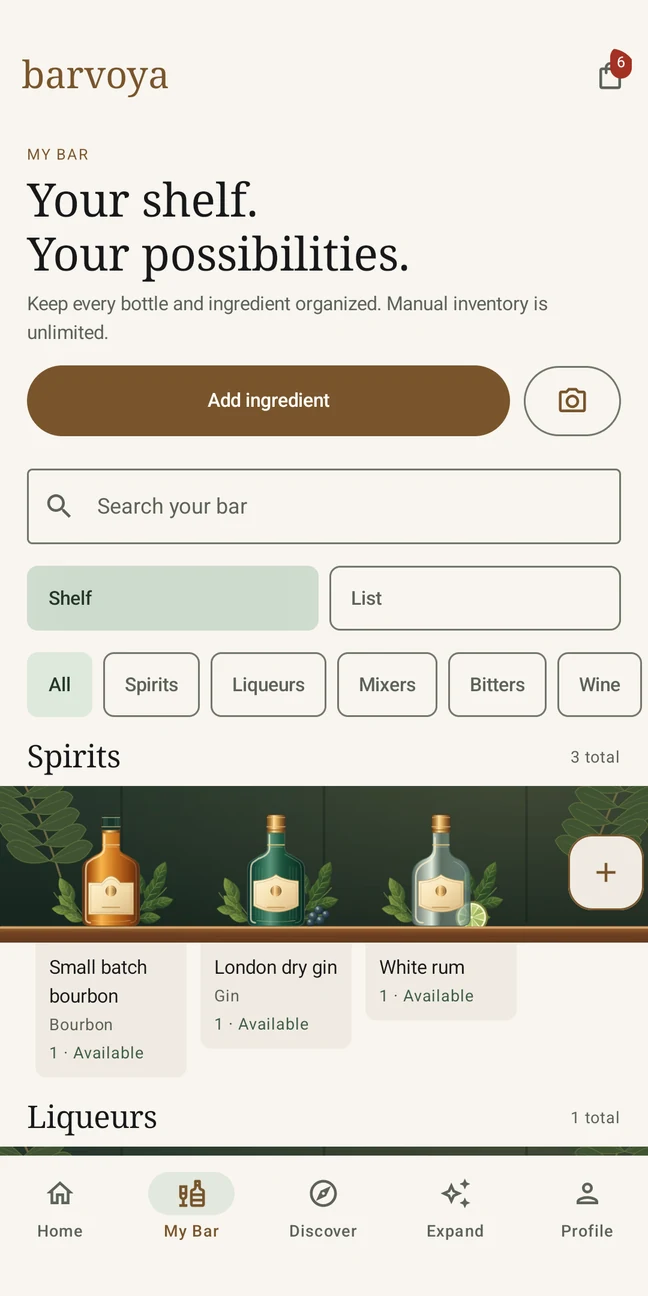
01 / Your collection
Your shelf, meet My Bar.
Add ingredients manually for free, or snap your bottles with Premium. Review what we find, make any tweaks, and give your collection a digital home.
See photo inventory → Barvoya
Your personal home bar assistant
Let Barvoya be your personal mixologist.
Discover cocktails you can make and find ingredients that open up more possibilities.
Barvoya is a home bar app for curious beginners and cocktail enthusiasts alike. Add the bottles and ingredients you have, either manually or with Premium photo scanning. Then explore drinks you can make, find recipes that are only a few ingredients away, and save what’s missing to a shopping list. No fully stocked bar required.

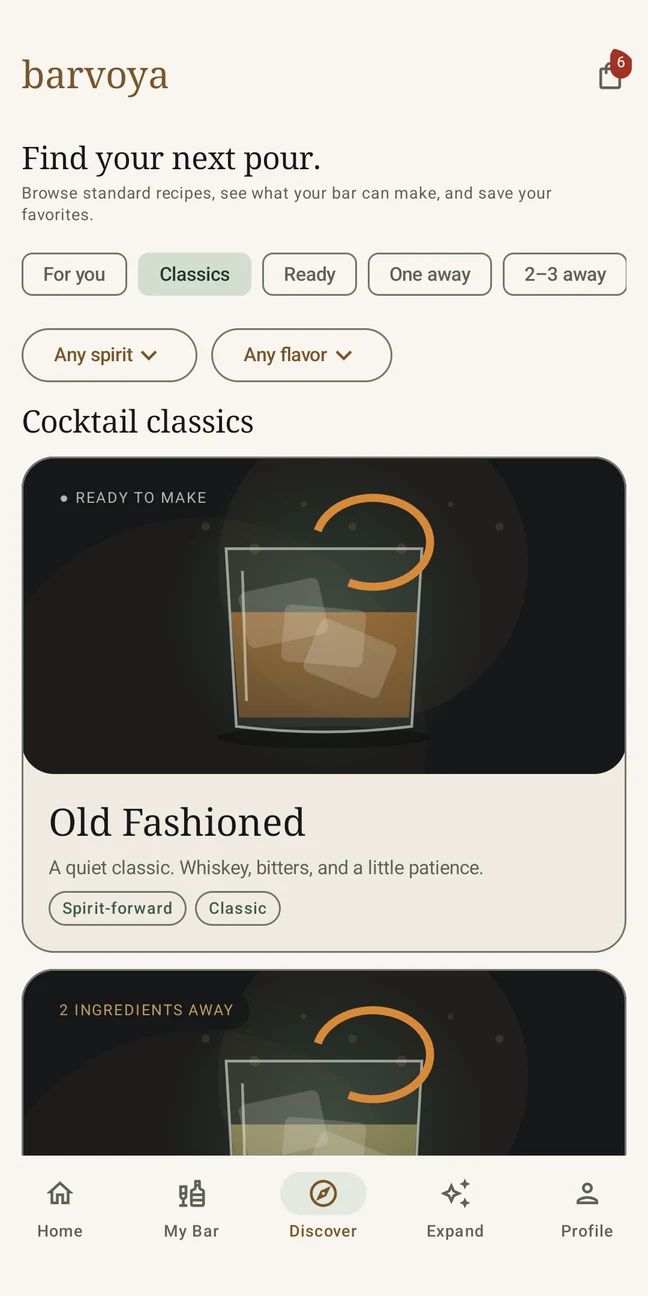
A better way to home bar
One bottle of bourbon or a shelf full of spirits: start where you are. We’ll help with the “what can I make?” part.
Add ingredients manually for free, or snap your bottles with Premium. Review what we find, make any tweaks, and give your collection a digital home.
See photo inventory →Your usual is great. Your next favorite could be better. Explore classics you can make now, or try personalized recipe ideas with Premium.
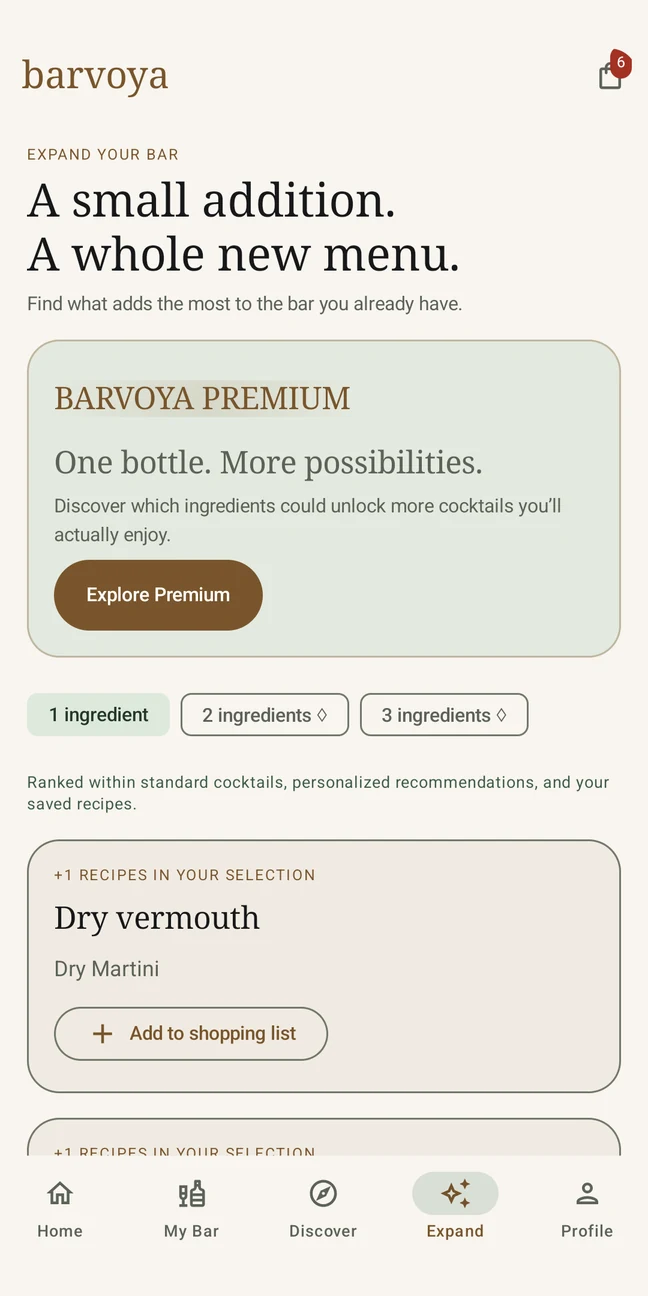
A recipe might be just one or two ingredients away. See what’s missing, add it to your shopping list, and discover what your next addition could unlock.
Premium · Photo inventory
Your bottles deserve better than a typing marathon. With Premium, take or choose a clear photo and let AI help identify your bottles and ingredients. Check the suggestions, make any corrections, and add them to My Bar.
Photo inventory is included in Premium. Manual entry is unlimited in Free.
See how photo inventory works →