The Barvoya walkthrough
A little curiosity.
A good place to start.
Meet your ingredients, discover what they can do, and find your next favorite. Here’s how to mix around and find out, one recipe at a time.
01 / Start with what you have
Let’s meet your bar.
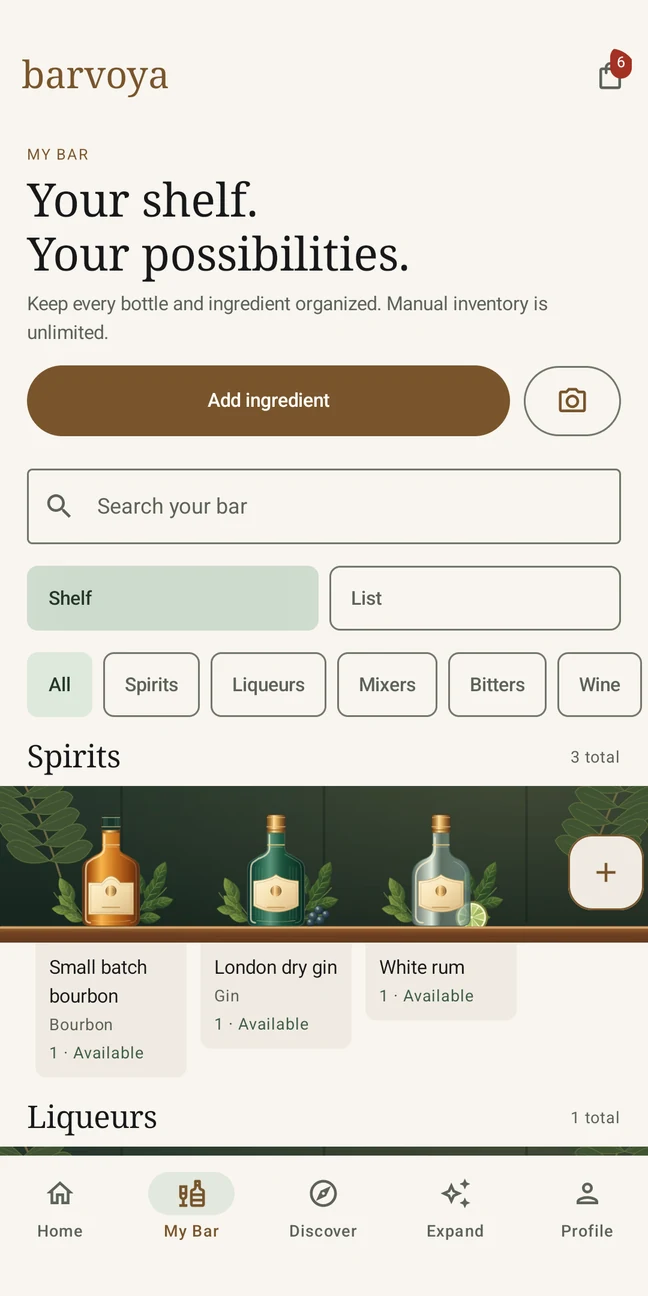
No wall of fancy bottles required. Start with your favorite spirit, the mixers in your fridge, and a little curiosity. Your bar can grow from there.
- Open My Bar and choose Add ingredient.
- Search for an ingredient and add your product details.
- Keep adding the ingredients you want Barvoya to match.
Manual inventory is unlimited in Free. You can add more later whenever your bar changes.
02 / Meet your next favorite
The answer to
“What can I make?”
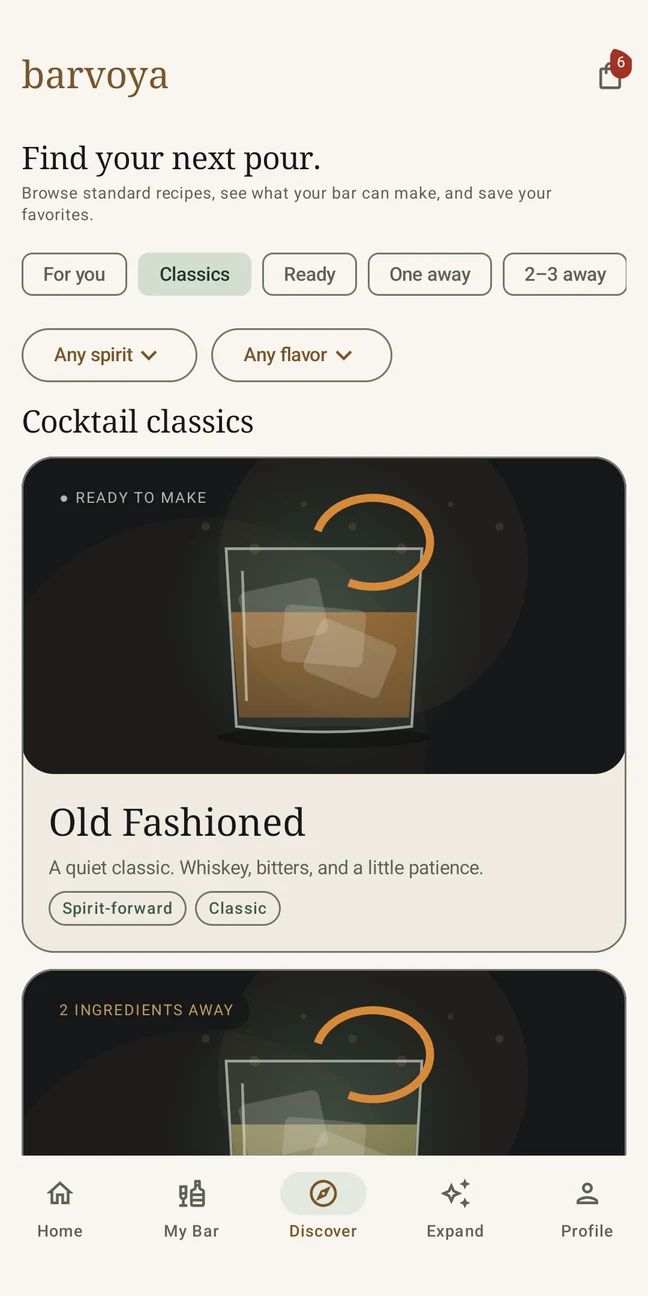
Home shows what your ingredients can make. In Discover, browse classics and filter by what is ready, one ingredient away, or a few additions away.
- Start with Ready to see recipes that match.
- Open a recipe for ingredient amounts and preparation steps.
- Use spirit and flavor filters to narrow down your choices.
Want ideas shaped around your preferences? Premium adds personalized recipe generation and suggestions, subject to the allowances shown in the app.
03 / Make it your own
Found a favorite?
Make room for another.
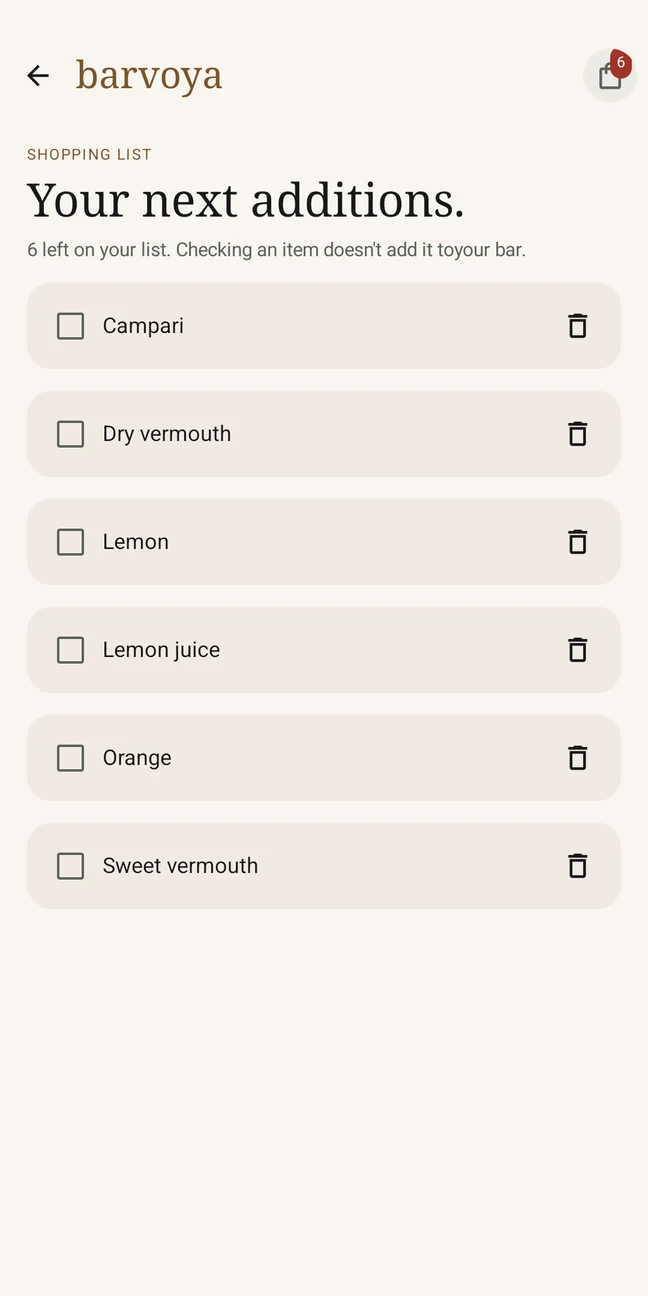
Keep the recipes you love close by. Save favorites, record what you’ve made, and add missing ingredients to your shopping list. One useful addition could be the start of several new ideas.
- Save a favorite from its recipe screen.
- Open Expand to explore useful additions.
- Add missing ingredients to your shopping list.
Favorites, recipe matching, and your shopping list are included in Free. Premium adds personalized expansion options and removes advertisements.